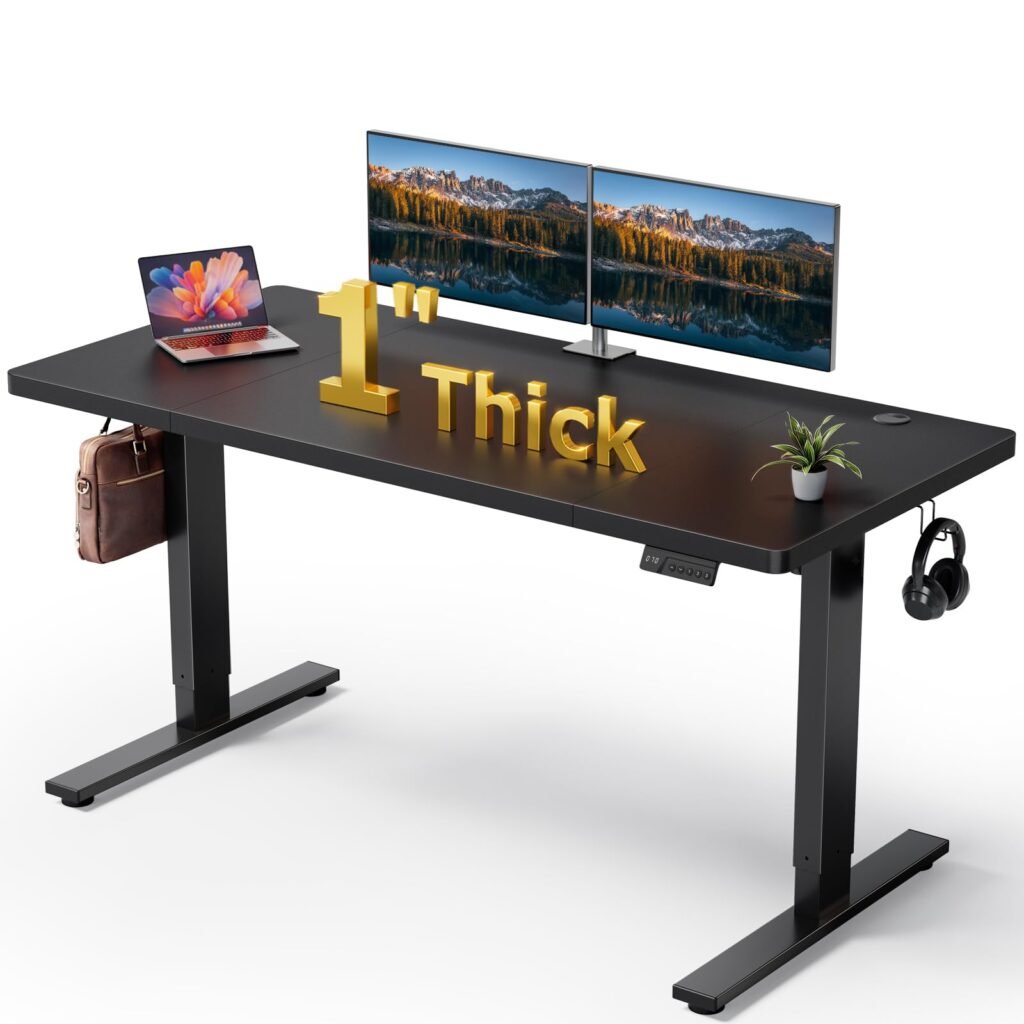
Best Cable Management for Standing Desk: 15 Solutions to Organize Your Workspace in 2025
Standing desks have revolutionized modern workspaces, but they’ve also introduced a new challenge that most buyers overlook: cable chaos. When your desk moves up and down dozens of times per day, traditional cable management fails spectacularly. Cables stretch, tangle, and disconnect. Power strips drag on the floor. Your pristine workspace becomes a snake pit of wires. Finding the best cable management for standing desk setups is crucial for maintaining both functionality and aesthetics in your work from home office setup.
The biggest mistake standing desk owners make is treating cables as an afterthought. They invest hundreds or thousands in an ergonomic desk, only to frustrate themselves daily with tangled cables that limit their desk’s movement or create safety hazards. Poor cable management doesn’t just look unprofessional—it can damage expensive equipment and reduce your desk’s lifespan. Whether you’re reading standing desk reviews or planning home office organization ideas, cable management should be a top priority.
The good news? With the right cable management system, you can achieve a clean, functional workspace that adapts seamlessly to your standing desk’s movement. The key is understanding that standing desks need specialized solutions, not basic cable clips and zip ties. This comprehensive guide will help you discover the best cable management for standing desk configurations across various workspace types.
Key Features to Consider for Best Cable Management for Standing Desk Setups
Height-Adjustable Compatibility
The most critical factor in standing desk cable management is ensuring your system can handle the desk’s vertical movement range. Standard desks typically move 24-30 inches, so your cables need to accommodate this travel distance without stretching or binding.
Look for systems with built-in cable guides or trays that move with the desk. Cable chains, also called drag chains, are particularly effective because they contain and guide cables through the full range of motion. The chain should be long enough to handle your desk’s maximum height adjustment plus an additional 6 inches for safety.
Cable Capacity and Organization
Count your cables before shopping. A typical standing desk setup includes power for the desk motor, monitor cables (HDMI, USB-C, or DisplayPort), USB connections, Ethernet, audio cables, and charging cables. Premium setups may add lighting, webcam cables, and multiple monitor connections.
Your cable management system should handle current needs plus future expansion. Systems with removable dividers or modular designs offer the most flexibility. Look for solutions that can manage both thin data cables and thick power cables without forcing them into undersized channels.
Installation and Adjustability
The best cable management systems install without permanent modifications to your desk. Clamp-on designs are ideal because they don’t void warranties or limit future desk changes. Avoid solutions requiring drilling unless you’re certain about permanent placement.
Adjustability matters for both initial setup and future changes. Systems with moveable cable guides, expandable trays, and reconfigurable routing paths adapt to equipment changes without requiring complete reinstallation.
Build Quality and Materials
Standing desks put cable management systems under constant stress. Look for heavy-duty materials like reinforced plastic or metal construction. Cable chains should use durable nylon or metal links that won’t crack under repeated flexing.
Weight capacity matters, especially for power-heavy setups. Premium systems can handle 10+ pounds of cables without sagging or binding. Check weight limits and factor in both cable weight and any attached power strips or hubs.
15 Best Cable Management Solutions for Standing Desks
1. J Channel Cable Management Tray
The J Channel Cable Management Tray excels in minimalist setups by creating a clean under-desk pathway for essential cables. This aluminum tray mounts underneath the desk surface and moves with the height adjustment, keeping power and data cables completely hidden from view. Pros: Clean aesthetics, 8 lb capacity, clamp-on installation. Cons: Limited to smaller cable loads. Price: $60-80
2. UPLIFT Desk Wire Management Kit
The UPLIFT Desk Wire Management Kit handles heavy-duty professional setups with a large under-desk tray system and cable spine combination. The powder-coated steel tray supports up to 15 pounds of equipment and cables, while the flexible spine guides cables through the full height range without binding. Pros: High capacity, professional build quality, comprehensive system. Cons: Higher price point. Price: $120-150
3. FlexiSpot Cable Management Spine
For ultra-clean aesthetics, the FlexiSpot Cable Management Spine integrates directly with FlexiSpot desks to create an invisible cable pathway. The spine attaches to the desk leg and guides cables through a flexible, accordion-style housing that expands and contracts with desk movement. This system maintains clean desk lines while protecting cables from wear during frequent height adjustments. Pros: Brand integration, clean lines, easy installation. Cons: Limited to FlexiSpot desks, lower capacity. Price: $40-60
4. Humanscale M/Connect Docking Station Hub
The Humanscale M/Connect Docking Station Hub combines cable management with device connectivity. This under-desk mounted hub consolidates multiple connections into a single point, dramatically reducing cable count while providing easy access to ports. Pros: Reduces cable count, magnetic mounting, IT-friendly. Cons: Premium pricing, requires compatible devices. Price: $200-250
5. VIVO Cable Management Kit
The VIVO Cable Management Kit offers a complete solution with both under-desk trays and desktop organizers. The kit includes adhesive cable clips, a flexible cable spine, and a small under-desk tray perfect for routing monitor and power cables without overwhelming a simple setup. Pros: Complete kit, affordable, versatile components. Cons: Moderate capacity, mixed installation methods. Price: $35-50
6. ErgoEdge Cable Management System
The ErgoEdge Cable Management System offers modular organization with removable dividers and expandable sections. The system includes both horizontal under-desk trays and vertical cable guides, allowing complex routing for monitor arms, docking stations, and multiple power supplies. Pros: Modular design, expandable, professional grade. Cons: Complex installation, higher cost. Price: $150-200
7. Corsair iCUE NEXUS Cable Management Kit
The Corsair iCUE NEXUS Cable Management Kit integrates with gaming setups by providing both cable organization and RGB lighting control. The under-desk tray includes built-in lighting and cable routing designed specifically for gaming peripherals and RGB components. Pros: RGB integration, gaming-focused, solid capacity. Cons: Gaming-specific design, premium price. Price: $100-130
8. Gator Frameworks Desktop Boom Arm Cable Management
For creator setups with audio equipment, the Gator Frameworks Desktop Boom Arm Cable Management combines mic arm functionality with integrated cable routing. This system keeps audio cables organized while maintaining the flexibility needed for recording and streaming. Pros: Dual function, creator-focused, adjustable. Cons: Niche application, requires boom arm space. Price: $80-110
9. IKEA SIGNUM Cable Management
The IKEA SIGNUM Cable Management provides budget-friendly organization for gaming setups with a large under-desk basket that accommodates power strips, cable boxes, and excess cable length. The powder-coated steel construction handles heavy equipment while the open design allows easy access for frequent changes. Pros: Excellent value, high capacity, easy installation. Cons: Basic design, visible cables. Price: $15-25
10. 3M Under Desk Cable Management Tray
The 3M Under Desk Cable Management Tray mounts flush under compact desks without reducing legroom. The low-profile design handles essential cables while the sliding access panel allows cable changes without removing the tray. Pros: Compact design, sliding access, reliable brand. Cons: Lower capacity, adhesive mounting. Price: $30-50
11. Vertical Cable Organizer Spine
For ultra-compact setups, the Vertical Cable Organizer Spine attaches to the desk leg and routes cables vertically, using minimal space while providing excellent organization. The flexible design accommodates desk movement while keeping cables accessible. Pros: Space-efficient, leg-mounted, flexible. Cons: Limited capacity, specific mounting requirements. Price: $25-40
12. Desktop Cable Management Box
The Desktop Cable Management Box sits on the desk surface and provides immediate access to charging cables and frequently changed connections. The box design keeps temporary cables organized without requiring permanent installation. Pros: Desktop access, no installation, portable. Cons: Takes desk space, limited capacity. Price: $25-35
13. Cable Chain Management System
The Cable Chain Management System provides industrial-grade cable protection through flexible plastic links that guide cables through the full range of desk motion. Perfect for heavy-duty applications with multiple thick cables. Pros: Industrial strength, full range protection, customizable length. Cons: Visible mechanism, complex routing. Price: $45-75
14. Magnetic Cable Clips Set
The Magnetic Cable Clips Set offers flexible organization for frequently changed cables. The magnetic base allows easy repositioning while the various clip sizes accommodate different cable types. Pros: Repositionable, no adhesive, multiple sizes. Cons: Requires magnetic surface, temporary solution. Price: $15-25
Final Recommendation
For most standing desk users, we recommend starting with three essentials: an under-desk cable tray for bulk cable routing, J-channel raceways for wall-to-desk runs, and velcro cable ties for bundling. This combination covers 90% of cable management needs for under $50.
If you have a height-adjustable desk, add a cable spine to handle the vertical run between your desk and floor outlet. This single addition prevents the cable-pull disasters that plague standing desk users.
Invest in your cable management system once, set it up properly, and you will never think about tangled cables again.