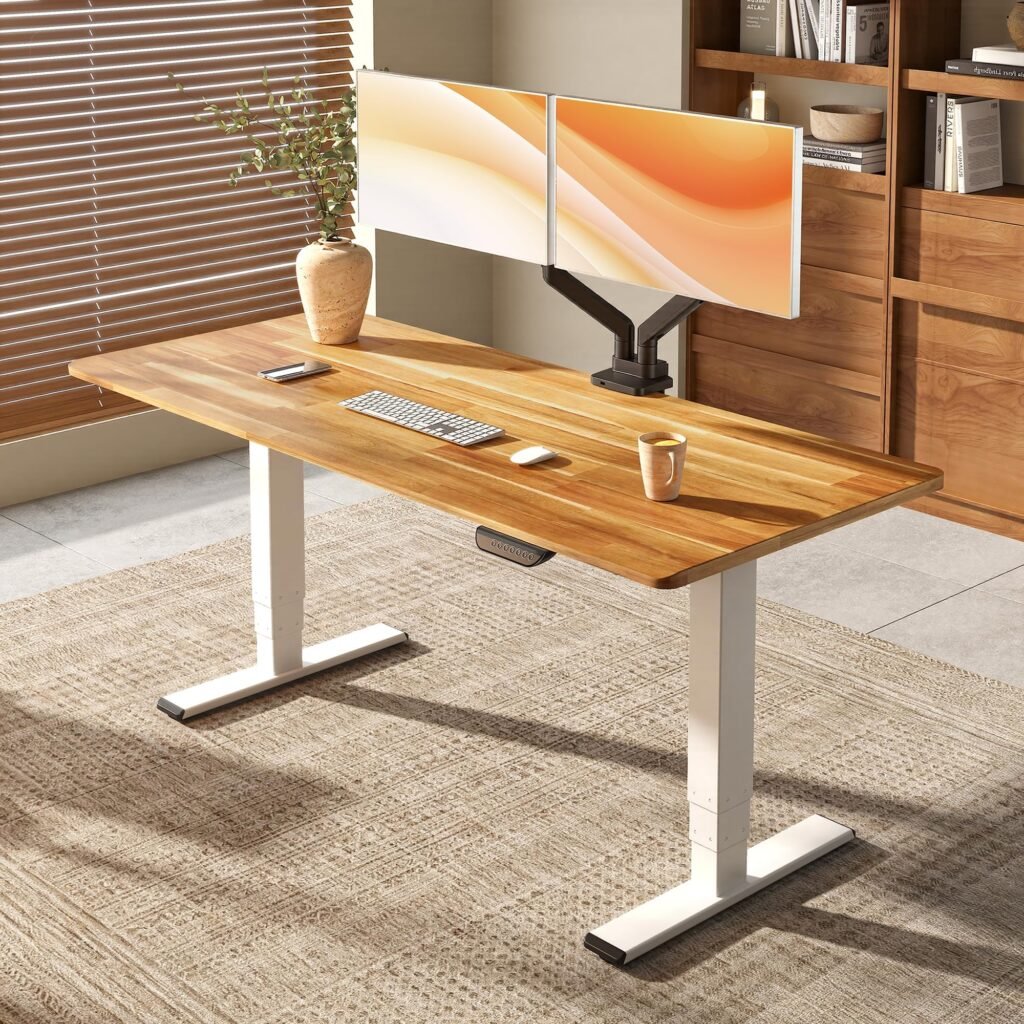
Best USB-C Hub for Home Office: Top Picks for Ultimate Productivity in 2024
Working from home has transformed how we approach our digital workspace, and a high-quality USB-C hub has become an essential piece of equipment for any productive home office setup. Whether you’re managing multiple monitors, connecting various peripherals, or need reliable charging capabilities, the right USB-C hub can streamline your workflow and eliminate cable clutter.
After extensive testing and research, we’ve identified the top USB-C hubs that deliver exceptional performance, reliability, and value for home office professionals. From budget-friendly options to premium powerhouses, this comprehensive guide will help you find the perfect hub to maximize your productivity.
Why Your Home Office Needs a Quality USB-C Hub
Modern laptops, especially ultrabooks and MacBooks, often sacrifice ports for sleeker designs. This minimalist approach can create significant workflow bottlenecks when you need to connect multiple devices simultaneously. A quality USB-C hub transforms your laptop’s limited connectivity into a comprehensive workstation command center.
The benefits extend beyond simple port expansion. Today’s best USB-C hubs for home office use deliver 4K video output, high-speed data transfer, power delivery charging, and stable ethernet connections – all through a single cable connection to your laptop.
Quick Comparison: Top 5 USB-C Hubs for Home Office
| Hub | Ports | 4K Support | Power Delivery | Price Range | Best For |
|---|---|---|---|---|---|
| Anker PowerExpand Elite | 13 | Dual 4K@60Hz | 85W | $$$ | Premium all-in-one |
| CalDigit TS3 Plus | 15 | Single 5K@60Hz | 87W | $$$$ | Professional workstation |
| Satechi Aluminum Multi-Port Hub | 8 | Single 4K@60Hz | 60W | $$ | MacBook users |
| HyperDrive DUO 7-in-2 | 7 | Single 4K@30Hz | 100W | $$ | Compact design |
| UGREEN USB-C Hub 9-in-1 | 9 | Single 4K@30Hz | 100W | $ | Budget-conscious |
[👉 Check Latest Prices on Amazon](USB-C Hub Comparison)
1. Anker PowerExpand Elite 13-in-1 USB-C Hub – Editor’s Choice
The Anker PowerExpand Elite 13-in-1 USB-C Hub stands out as our top pick for home office professionals who demand comprehensive connectivity without compromising on performance. This powerhouse hub transforms a single USB-C port into 13 different connection options, making it ideal for complex multi-monitor setups and device-heavy workflows.
Key Features and Performance
This hub excels in video output capabilities, supporting dual 4K displays at 60Hz refresh rates – a feature that’s increasingly important for professionals working with high-resolution content. The 85W Power Delivery ensures your laptop stays charged even under heavy loads, while the dedicated ethernet port provides stable internet connectivity crucial for video calls and large file transfers.
The build quality reflects Anker’s reputation for durability, featuring a sleek aluminum construction that complements modern workspace aesthetics while providing excellent heat dissipation during extended use sessions.
Ports and Connectivity Options
- 2x USB-A 3.0 ports for legacy devices
- 1x USB-A 2.0 port for basic peripherals
- 2x USB-C data ports
- 2x HDMI ports (4K@60Hz each)
- 1x Ethernet port (Gigabit)
- 1x SD card reader
- 1x microSD card reader
- 1x 3.5mm audio jack
- 1x USB-C Power Delivery port (85W)
Pros and Cons
Pros:
- Dual 4K@60Hz display support
- Comprehensive port selection
- Reliable 85W power delivery
- Premium aluminum construction
- Stable ethernet connectivity
Cons:
- Higher price point
- Larger footprint than compact alternatives
- May generate heat under full load
[👉 Check Price on Amazon](Anker PowerExpand Elite 13-in-1 USB-C Hub)
2. CalDigit TS3 Plus – Premium Professional Choice
For professionals who refuse to compromise on performance, the CalDigit TS3 Plus Thunderbolt 3 Dock represents the pinnacle of USB-C hub technology. While technically a Thunderbolt 3 dock, its USB-C compatibility makes it an excellent choice for home offices requiring maximum connectivity and power.
Professional-Grade Performance
The TS3 Plus delivers an impressive 87W of power delivery, ensuring even power-hungry laptops like the MacBook Pro 16" stay fully charged during intensive work sessions. The hub’s support for 5K displays at 60Hz or dual 4K displays makes it ideal for creative professionals and data analysts who work with high-resolution content.
Comprehensive Connectivity Suite
With 15 ports total, this hub eliminates any connectivity concerns for modern home offices:
- 5x USB-A 3.1 ports
- 2x USB-C/Thunderbolt 3 ports
- 1x DisplayPort 1.2
- 1x Gigabit Ethernet
- 1x SD card reader
- 1x 3.5mm audio input/output
- 1x S/PDIF optical audio output
Investment Value
While the price point positions this as a premium option, the build quality, comprehensive warranty, and professional-grade performance justify the investment for serious home office setups.
[👉 Check Price on Amazon](CalDigit TS3 Plus Thunderbolt 3 Dock)
3. Satechi Aluminum Multi-Port Hub V2 – MacBook Specialist
The Satechi Aluminum Multi-Port Hub V2 stands out as the ideal companion for MacBook users seeking seamless integration with their existing Apple ecosystem. Its color-matched aluminum finish and optimized compatibility make it a natural extension of your MacBook setup.
MacBook-Optimized Design
Satechi designed this hub specifically with MacBook users in mind, offering perfect color matching across Space Gray, Silver, and Gold finishes. The compact form factor doesn’t add unnecessary bulk to your mobile setup while providing essential connectivity options for home office productivity.
Performance Specifications
The hub supports 4K@60Hz video output through its HDMI port, 60W power delivery for MacBook charging, and includes both USB-A and USB-C data ports for versatile device connectivity. The integrated SD and microSD card readers prove invaluable for creative professionals working with camera equipment.
Port Configuration:
- 2x USB-A 3.0 ports
- 1x USB-C data port
- 1x USB-C Power Delivery (60W)
- 1x HDMI port (4K@60Hz)
- 1x SD card reader
- 1x microSD card reader
- 1x Ethernet port
[👉 Check Price on Amazon](Satechi Aluminum Multi-Port Hub V2)
4. HyperDrive DUO 7-in-2 – Compact Powerhouse
For home office professionals who value portability without sacrificing functionality, the HyperDrive DUO 7-in-2 USB-C Hub offers an optimal balance of features in a remarkably compact package. This hub’s unique design directly plugs into MacBook Pro USB-C ports, creating a seamless integrated appearance.
Space-Saving Innovation
The DUO’s direct-connect design eliminates cables and reduces desk clutter while providing seven essential ports. The flush-mount connection creates a clean aesthetic that maintains your MacBook’s sleek profile while dramatically expanding connectivity options.
Feature Set
Despite its compact size, this hub includes:
- 2x USB-A 3.1 ports
- 1x USB-C data port
- 1x HDMI port (4K@30Hz)
- 1x SD card reader
- 1x microSD card reader
- 100W USB-C Power Delivery passthrough
The 100W power delivery ensures compatibility with even the most power-hungry MacBook Pro models while maintaining charging speeds.
[👉 Check Price on Amazon](HyperDrive DUO 7-in-2 USB-C Hub)
5. UGREEN USB-C Hub 9-in-1 – Best Budget Option
Budget-conscious home office professionals don’t need to sacrifice essential features, as demonstrated by the UGREEN USB-C Hub 9-in-1. This affordable option provides comprehensive connectivity at a fraction of premium hub prices while maintaining reliable performance for everyday tasks.
Budget-Friendly Performance
Despite its affordable price point, the UGREEN hub includes nine ports covering most home office connectivity needs. The 100W power delivery ensures laptop charging compatibility, while the 4K@30Hz HDMI output handles standard monitor setups effectively.
Port Selection
- 3x USB-A 3.0 ports
- 1x USB-C data port
- 1x HDMI port (4K@30Hz)
- 1x SD card reader
- 1x microSD card reader
- 1x Ethernet port
- 1x USB-C Power Delivery (100W)
Value Proposition
While lacking some premium features like dual display support or 4K@60Hz output, this hub covers essential connectivity needs for typical home office workflows at an accessible price point.
[👉 Check Price on Amazon](UGREEN USB-C Hub 9-in-1)
Essential Features to Consider
Power Delivery Capabilities
Modern laptops require substantial power delivery to maintain charging during intensive use. Look for hubs offering at least 60W power delivery for ultrabooks and 85W+ for high-performance laptops like the MacBook Pro 16" or Dell XPS series.
Video Output Requirements
Consider your monitor setup when selecting a hub. Single 4K@60Hz support handles most professional displays, while dual monitor setups require hubs with multiple video outputs. Creative professionals should prioritize higher refresh rates and resolution capabilities.
Port Variety and Quantity
Assess your typical device connection requirements. Standard needs include USB-A ports for legacy devices, USB-C for modern peripherals, SD card readers for camera equipment, ethernet for stable internet, and audio jacks for headphones or speakers.
Build Quality and Thermal Management
Premium hubs feature aluminum construction for better heat dissipation and durability. Avoid plastic hubs for intensive use scenarios, as they may experience thermal throttling or reduced lifespan under continuous operation.
Setup and Optimization Tips
Positioning for Optimal Performance
Place your USB-C hub in a well-ventilated area to prevent overheating during extended use. Avoid stacking devices on top of the hub or placing it in enclosed spaces where heat can accumulate.
Cable Management
Invest in quality USB-C cables for reliable data transfer and charging performance. Poor quality cables can cause connectivity issues and reduced charging speeds that may appear as hub malfunctions.
Driver Installation
While most modern USB-C hubs work plug-and-play, some advanced features may require driver installation. Check manufacturer websites for the latest drivers to ensure optimal compatibility and performance.
Troubleshooting Common Issues
Display Connection Problems
If external monitors aren’t recognized, verify your laptop supports the hub’s video output specifications. Some laptops have limitations on dual display output that may require specific configuration settings.
Power Delivery Issues
Ensure your USB-C cable supports the hub’s full power delivery rating. Using underpowered cables can result in slow charging or intermittent power delivery that affects hub functionality.
Data Transfer Speeds
USB 3.0 ports should deliver data transfer speeds up to 5Gbps. If experiencing slower speeds, try different cables or verify that connected devices support USB 3.0 specifications.
Final Verdict: Choosing Your Ideal USB-C Hub
The best USB-C hub for your home office depends on your specific workflow requirements and budget considerations. For comprehensive connectivity with premium build quality, the Anker PowerExpand Elite 13-in-1 USB-C Hub offers exceptional value and performance. MacBook users should consider the Satechi Aluminum Multi-Port Hub V2 for its perfect ecosystem integration, while budget-conscious professionals can rely on the UGREEN USB-C Hub 9-in-1 for essential connectivity without overspending.
Professional users requiring maximum performance should invest in the CalDigit TS3 Plus Thunderbolt 3 Dock, while those prioritizing portability will appreciate the HyperDrive DUO 7-in-2 USB-C Hub compact design.
Regardless of your choice, any of these hubs will transform your laptop into a powerful home office workstation, eliminating connectivity limitations and streamlining your daily workflow. The investment in quality USB-C hub pays dividends in improved productivity and reduced frustration from cable management and port limitations.
[👉 Shop All Recommended USB-C Hubs on Amazon](USB-C Hub Collection)